If you are looking for an alternative to the popular web browsers, today is your day as we talk about Yandex Browser. It is a fast, efficient, and safe alternative, proving to be a capable rival to mainstream options thanks to its own search engine, Yandex. The browser comes loaded with a clean and beautifully designed UI, ad blocking, security tools, and a lot of customization options to give you a unique yet enjoyable web experience.
A clean, ad-free browsing experience
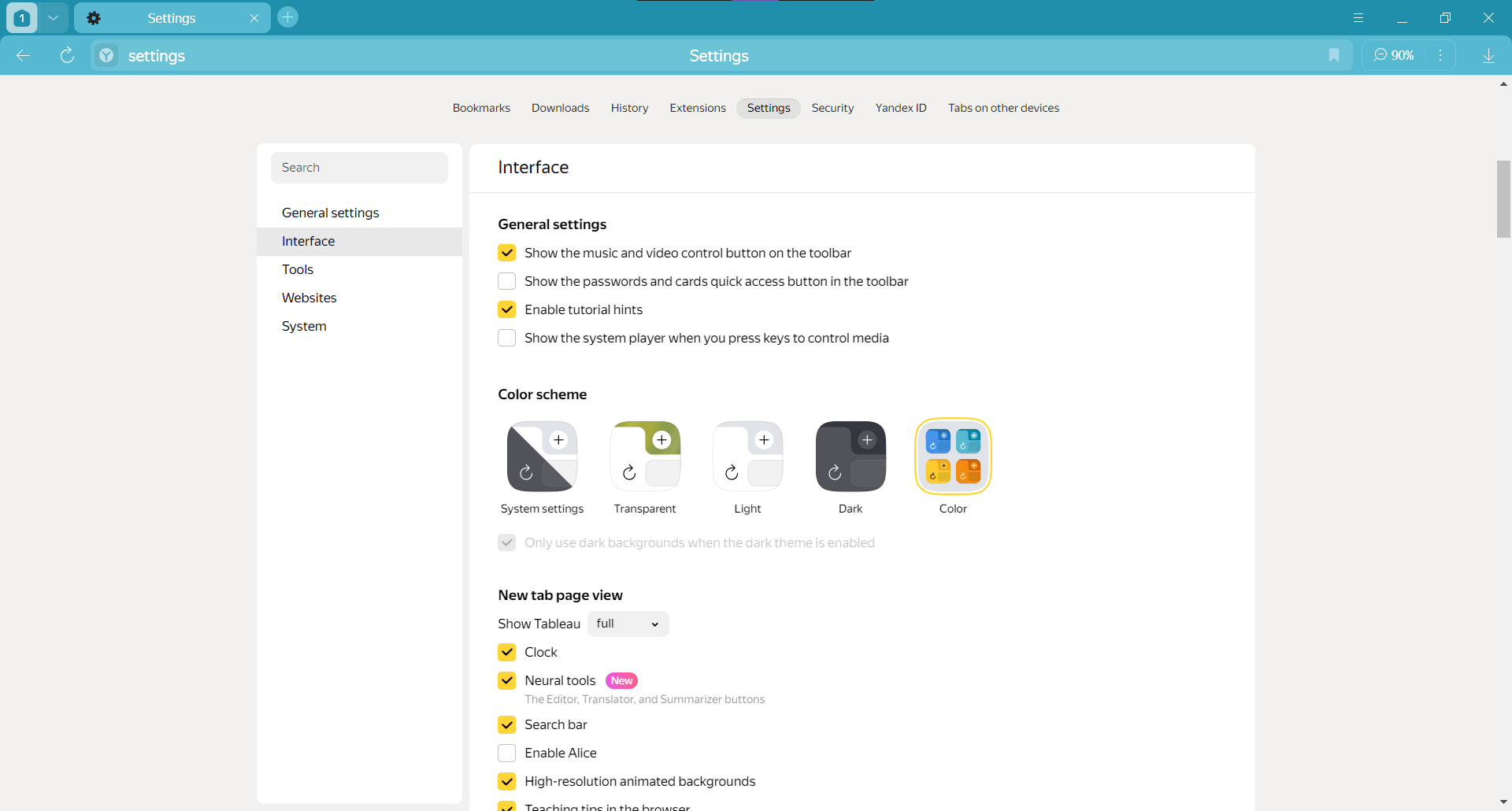
For a browser to succeed, the first step is to provide a solid user experience. Yandex Browser excels at this, delivering a fast browsing environment coupled with customization and smoothness.
The landing page, or the homepage, is very cleverly designed and houses the most popular websites or social media by default. It also has 4 empty slots which you can fill according to your requirements. Yandex Browser gives you helpful prompts and shows cards on the homepage to log in to a Yandex account, use the YaGPT tool, and translate videos (like Korean and Japanese content). Surprisingly, they manage to do this in a non-annoying way.
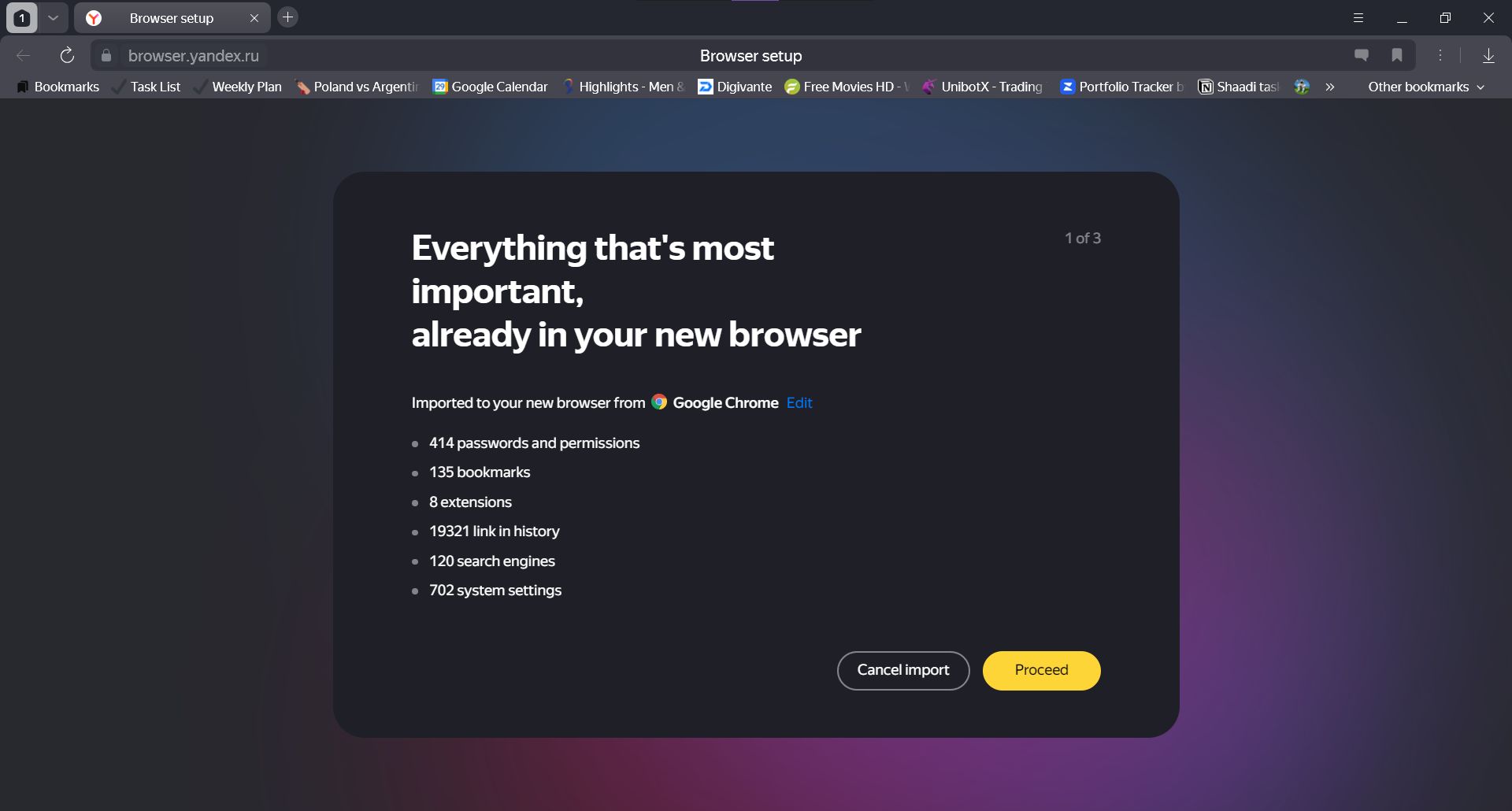
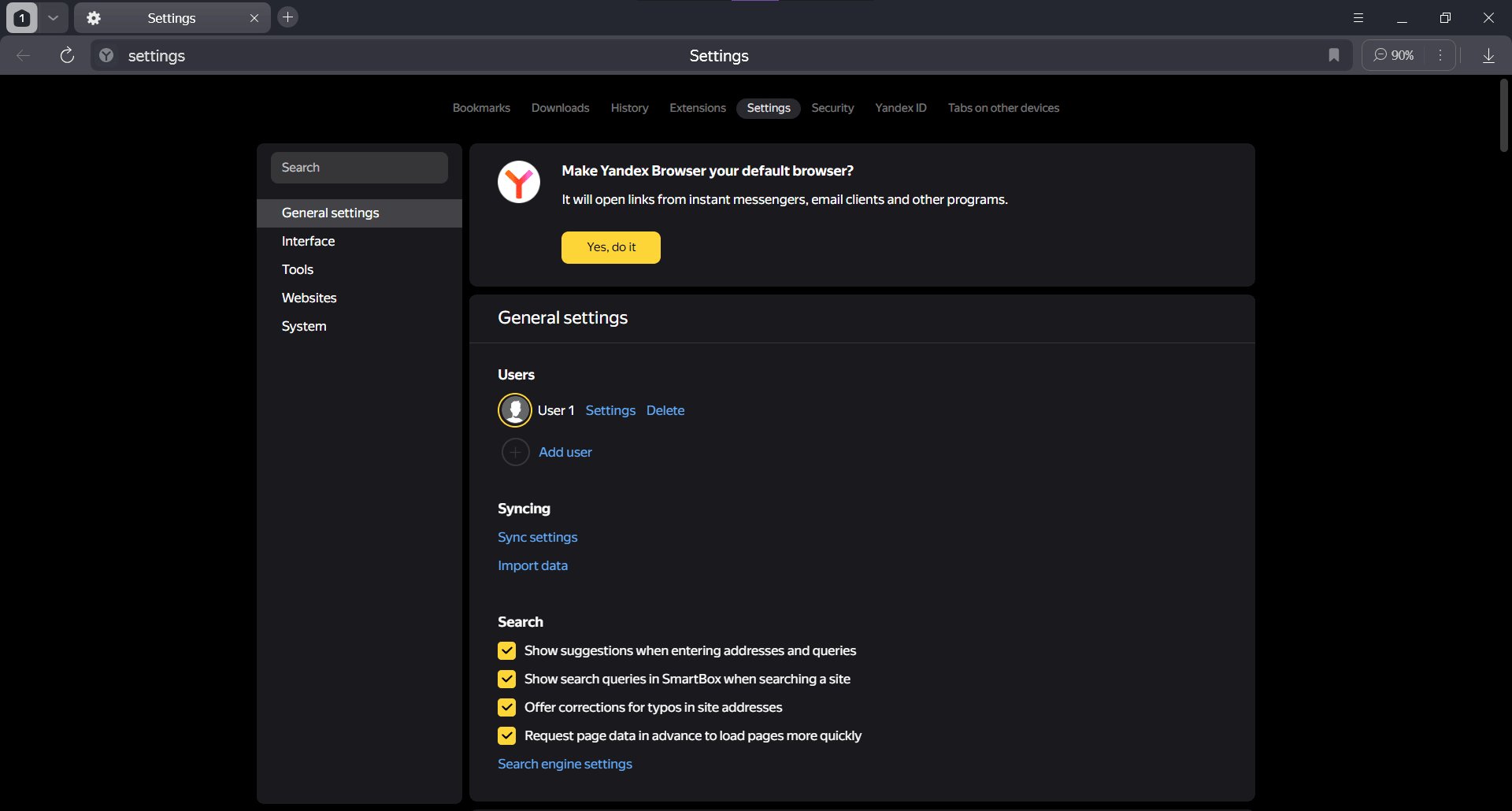
When you open it for the first time, it shows you the option to easily import your data from other popular browsers such as Chrome or Edge. Ad blocking is also built right into the browser and is turned on by default. This feature is called Antishock, and it specifically blocks ads with shocking or unpleasant images.Useful extensions
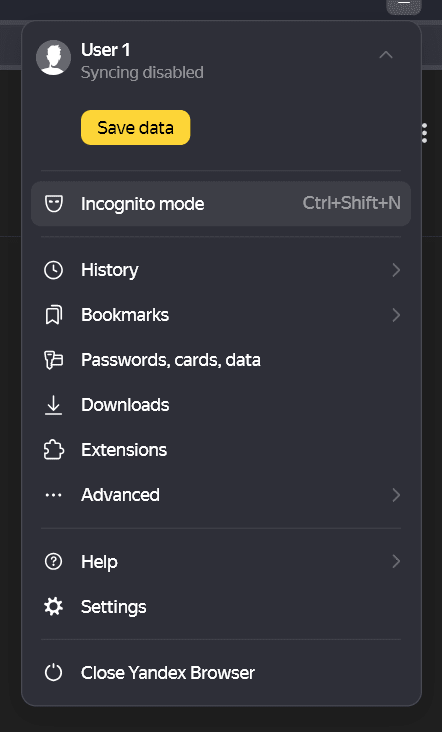
You can easily add other extensions within Yandex Browser. All you have to do is visit the extensions tab in the settings. There, you will find suggested add-ons, or you can browse the extension catalog, which has more than 1,500 extensions, including all the popular ones. The catalog is powered by Opera, so you will be well covered when it comes to any add-ons you need.Multi-platform and cloud backup
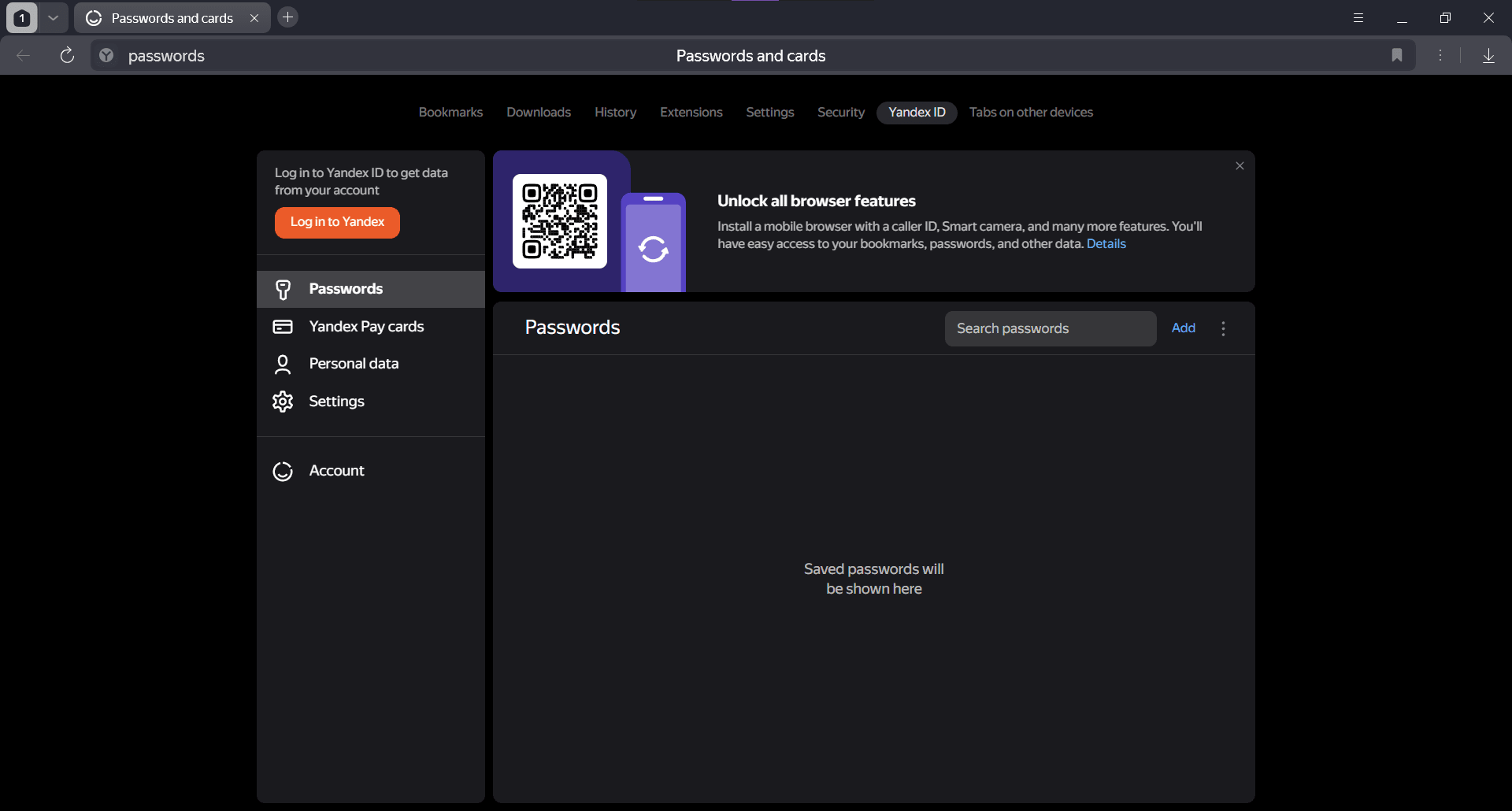
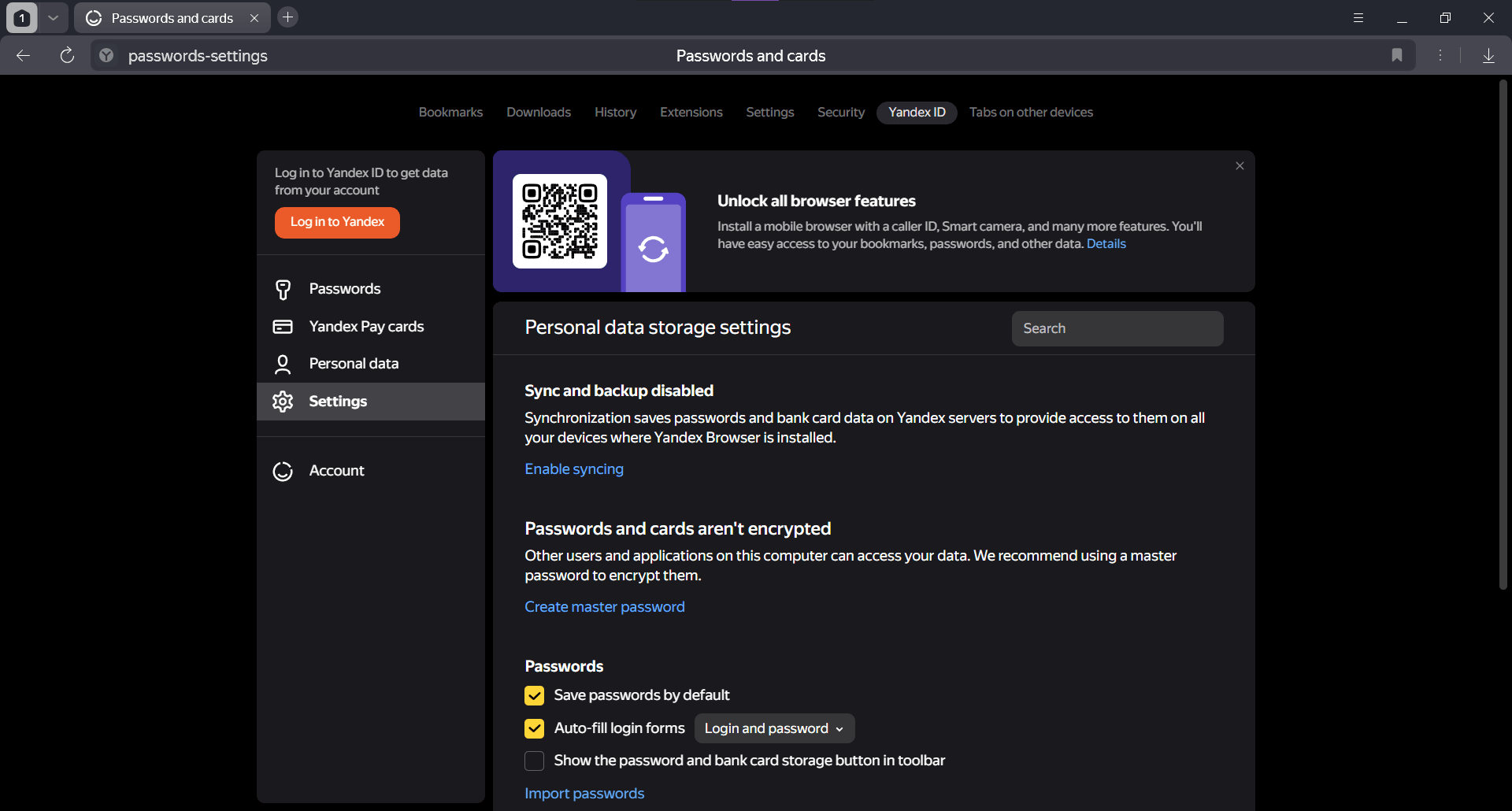
Yandex Browser is multi-platform, available on Windows, iOS, and Android. Naturally, this means that users will often want to sync their data across devices, and Yandex has got them covered. All you have to do is create a Yandex account, sign in on multiple devices, and turn on sync. This way, your passwords, history, and data will be synced so you don’t have to deal with annoying logins repeatedly.Intelligent security
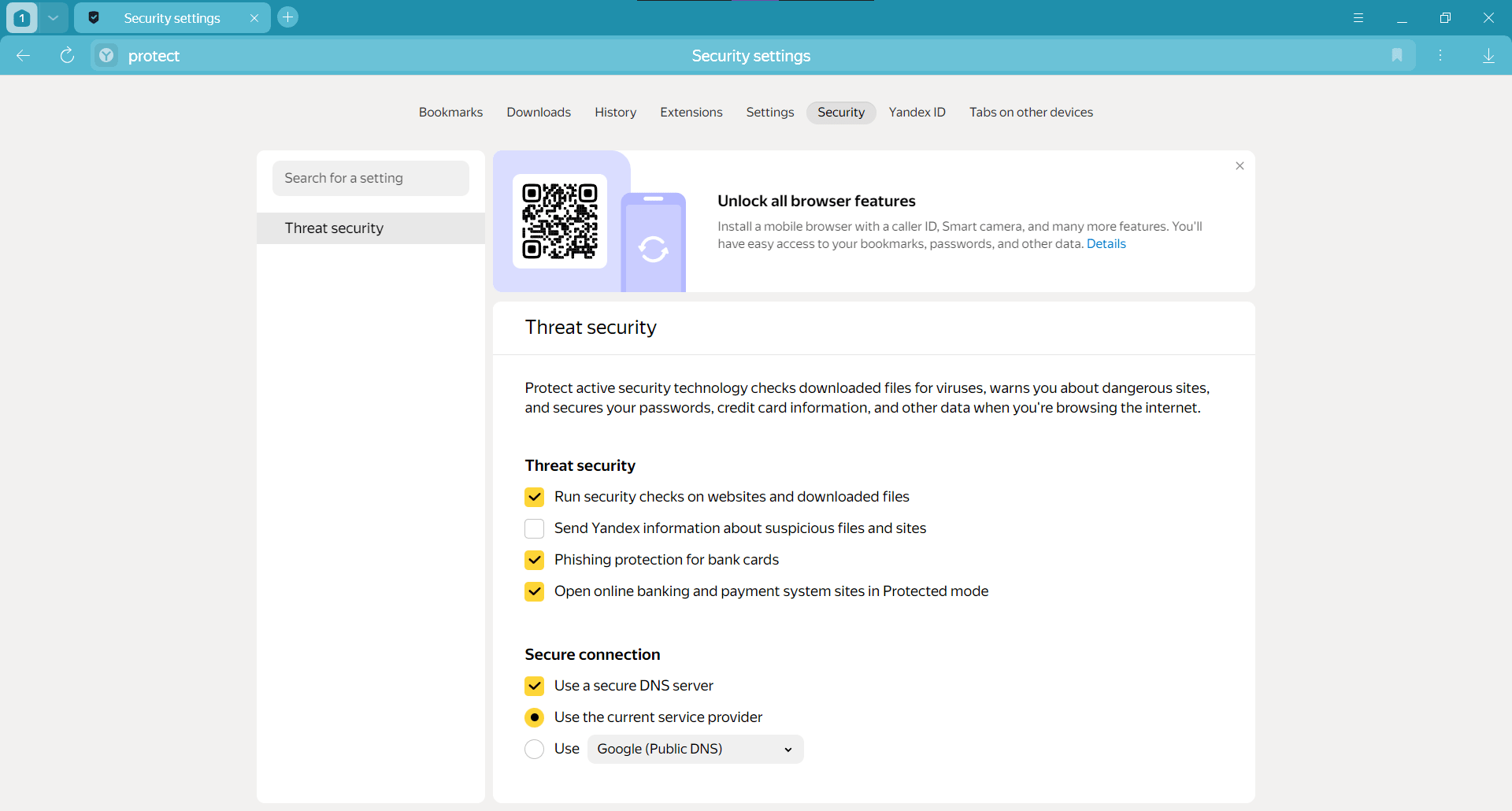
Yandex Browser was designed with security in mind. It automatically checks downloaded files for viruses, blocks potentially malicious sites that could harm your computer, and protects all your passwords and bank cards.Neuroeditor
While it has many other features, one worth mentioning is the Neuroeditor. It can edit, translate, and summarize almost any text you throw at it. It is easily accessible right from the homepage.A great browsing experience guaranteed
If you are looking for a capable browser that provides a secure and clean environment with a built-in ad blocker, Yandex Browser is the one for you. With lots of customization options, useful extensions, and cloud syncing available, there is very little that this browser does not do.